Staying connected while traveling has become a non-negotiable part of modern life. Whether you are a digital nomad or a vacationing family, reliable internet is essential. Many travelers now rely on a portable WiFi hotspot for mobile to stay online. However, a common question arises before purchasing or renting these pocket-sized tools. Exactly how many devices can one single hotspot handle simultaneously? The answer depends on several technical factors and the specific hardware you choose. This guide explores the capacity limits of mobile hotspots in detail. We will help you optimize your shared connection for the best possible experience.
Understanding the Basics of Mobile Hotspot Capacity
Most modern pocket WiFi units offer impressive connectivity options for multiple users. Generally, a standard portable WiFi hotspot for mobile supports between 5 and 15 devices. High-end enterprise models can sometimes handle up to 30 or even 100 connections. However, hardware limits represent only one part of the connectivity equation. You must also consider the available bandwidth provided by the local cellular network. Connecting many devices does not always mean they will all perform well. Balancing quantity and quality is the secret to a successful mobile network.
Hardware vs. Software Limits
Manufacturers set a “hard limit” on the number of simultaneous connections. This limit prevents the device’s internal processor from overheating or crashing. Furthermore, the software manages how data packets reach each individual smartphone or laptop. Even if the box says “10 devices,” the performance may dip as you reach that cap.
The Role of WiFi Standards
Newer devices utilize WiFi 6 technology to manage multiple connections more efficiently. This standard allows the hotspot to communicate with several devices at once. Consequently, it reduces “latency” and improves the overall speed for every connected user.

Factors That Affect Your Connection Quality
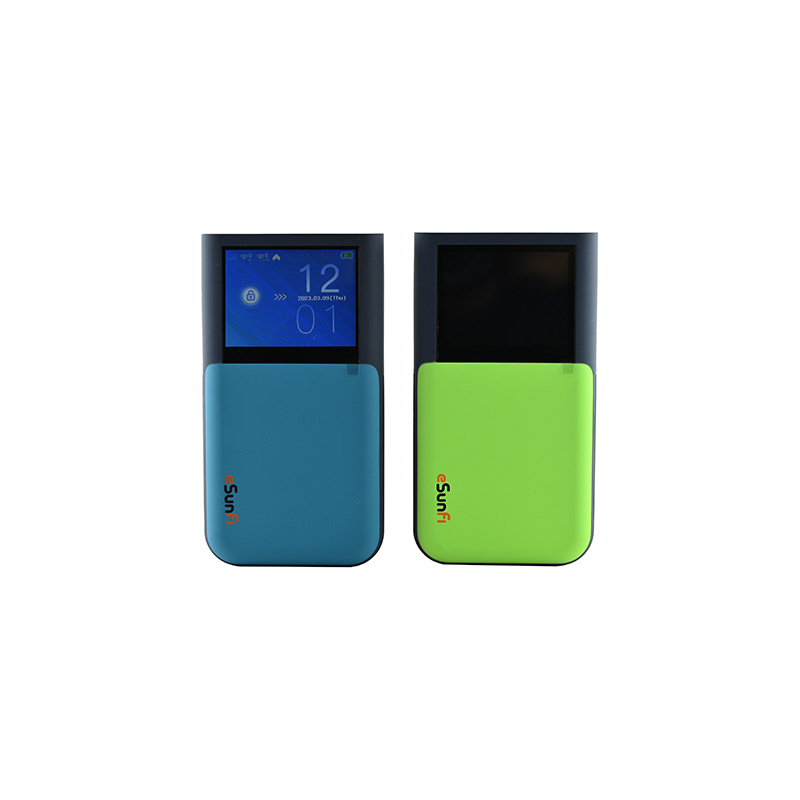
Connecting ten devices to a portable WiFi hotspot for mobile is technically possible. However, the real-world performance depends on how those devices use the data.
-
Activity Type: Streaming 4K video consumes much more bandwidth than sending simple text emails.
-
Signal Strength: A weak 4G or 5G signal reduces the total data “pipe” for everyone.
-
Device Distance: Moving further away from the hotspot weakens the WiFi signal significantly.
-
Background Updates: Smartphones often download large app updates without asking for permission first.
To maintain a fast connection, you should prioritize essential tasks over entertainment. Ask your group to disable automatic cloud backups while using the shared hotspot.
How to Optimize a Portable WiFi Hotspot for Mobile
You can take several proactive steps to ensure everyone enjoys a stable internet connection. Proper management turns a mediocre experience into a professional-grade mobile office.
Set a Strong Password
An open network invites strangers to steal your precious data bandwidth. Always use a complex password to keep unauthorized users away from your connection. This ensures that only your intended devices utilize the available speed.
Monitor Data Usage in Real-Time
Most portable WiFi hotspot for mobile devices feature a small display or a companion app. Use these tools to see exactly which device is hogging the most data. If one person is downloading heavy files, it might slow down the entire group.
Why Trust Our Connectivity Expertise?
Hands-on Testing Experience Our team tests mobile hotspots in crowded airports and remote mountain villages. We understand how cellular congestion affects the “advertised” speeds of many popular brands. This practical knowledge allows us to give honest advice to our readers.
Authoritative Technical Knowledge We stay updated on the latest 5G developments and WiFi 6E protocols. Understanding the underlying technology helps us explain complex topics in simple, plain English. You can trust our recommendations because they are based on verified technical data.

Choosing the Right Hotspot for Your Group Size
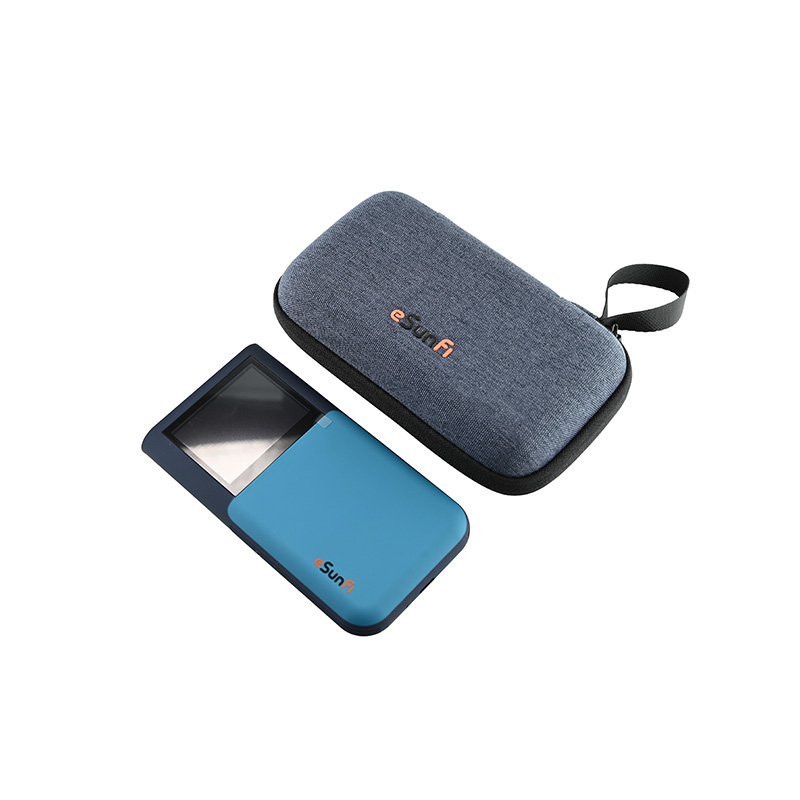
Not every portable WiFi hotspot for mobile is built for the same purpose. You must match the hardware to your specific travel needs.
For Individual Travelers
If you only need to connect a phone and a laptop, a basic model is perfect. These units are extremely lightweight and fit easily into any pocket. They typically offer 8 to 10 hours of battery life on a single charge.
For Families and Small Teams
Look for a “Pro” model that supports at least 15 devices. These devices often feature larger batteries to handle the increased power demand. Additionally, they often include a touchscreen for easier management of the connected users.
For Large Events or Corporate Use
In these cases, you might need a high-performance 5G router. These units can support 32 or more devices without significant slowdowns. They often include an Ethernet port for a more stable, wired connection to a laptop.
The Impact of 5G on Multi-Device Support
The rollout of 5G networks has revolutionized what a portable WiFi hotspot for mobile can achieve. Older 4G models often struggled when more than three people streamed video.
However, 5G provides much wider bandwidth and significantly lower latency. This means a 5G hotspot can support ten devices with much higher reliability than a 4G unit. If you plan to work remotely with a team, investing in 5G hardware is a smart move. It ensures that video conferences remain smooth even while others are browsing the web.
Common Myths About Mobile Hotspots
Many people hold onto outdated information regarding mobile connectivity. Let us clarify two frequent misconceptions about sharing data.
Myth 1: More devices always mean slower speeds. While often true, it depends on the “bandwidth overhead.” If ten devices are merely idling, they will not slow down an eleventh device. Only active data transfers cause a noticeable drop in performance.
Myth 2: Phone hotspots are just as good as dedicated devices. Using your smartphone as a hotspot drains the battery very quickly. Furthermore, smartphones often struggle to manage more than five connections effectively. A dedicated portable WiFi hotspot for mobile has better antennas and specialized cooling.
Maximizing Battery Life During Heavy Use
Connecting many devices puts a heavy load on the hotspot’s battery. To stay online all day, follow these simple power-saving tips.
-
Reduce WiFi Range: Most devices let you choose between “Long Range” and “Battery Save” modes.
-
Turn Off Unused Devices: Ask your friends to disconnect their tablets when not in use.
-
Use a Power Bank: Carry a portable charger to keep your hotspot running during long transit days.
-
Keep the Device Cool: Avoid leaving your hotspot in direct sunlight or a closed glove box.
Heat is the primary enemy of battery health and wireless performance. Keeping your device cool ensures that the internal processor maintains maximum speeds.
Find Your Perfect Connection Balance
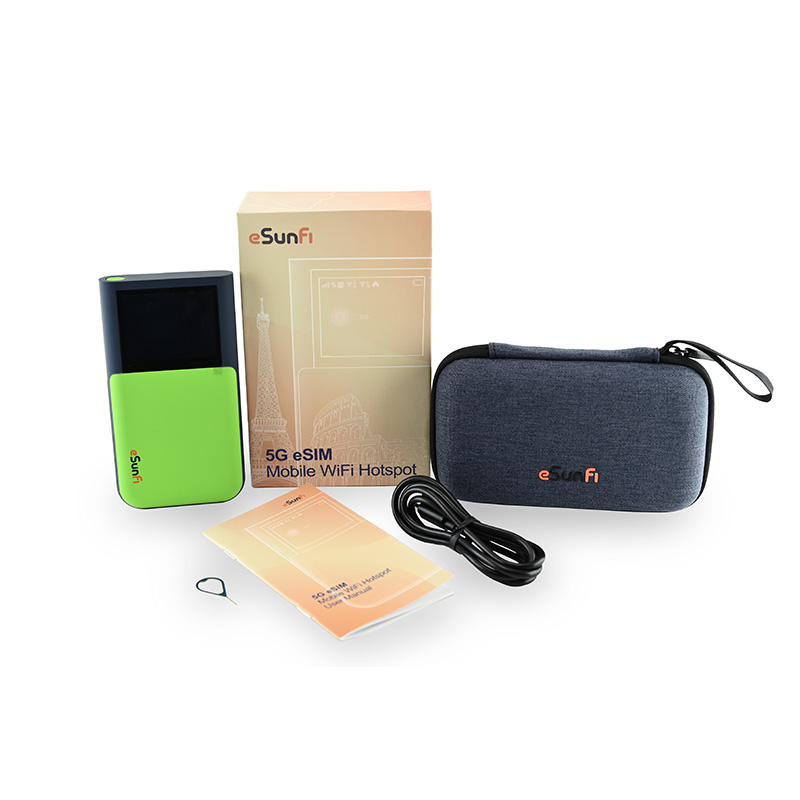
A portable WiFi hotspot for mobile is a powerful tool for modern travelers. Most models handle 5 to 15 devices, but your actual experience depends on your usage habits. By choosing the right hardware and managing your bandwidth, you can stay productive anywhere. Prioritize 5G models if you travel with a larger group or need to do heavy work. Always remember that a secure, well-managed connection is a fast connection.
Are you ready to upgrade your travel tech kit? Explore the latest high-capacity hotspots and take your internet sanctuary with you on your next trip!