
Reliable internet is the backbone of every modern business. Even in a small office, connectivity issues stall productivity. You might notice the signal dropping during video calls. Or perhaps the printer keeps losing its connection. These small glitches often stem from outdated hardware.
A professional Multi-User Office Wi-Fi Router solves these common headaches. It does more than just provide internet access. It manages high-density traffic with precision. This guide explains how specialized routers transform your workspace. We will explore how to achieve seamless coverage for your team.
The Problem with Consumer Routers in Business
Many small businesses start with a home-grade router. It seems like a cost-effective choice at first. However, home devices cannot handle professional demands.
Staff members often connect multiple devices at once. Laptops, phones, and tablets quickly crowd the bandwidth. Consumer routers struggle to prioritize this heavy data flow. Consequently, your most important tasks suffer from lag. A dedicated office unit handles these loads without crashing.
Why Walls and Furniture Block Signals
Physical barriers are major enemies of wireless signals. Drywall, glass, and metal desks reflect radio waves. In a tight office, these obstacles create dead zones. High-quality office routers use stronger antennas to penetrate these barriers. This ensures every desk receives a stable, crisp signal.

How MU-MIMO Technology Boosts Capacity
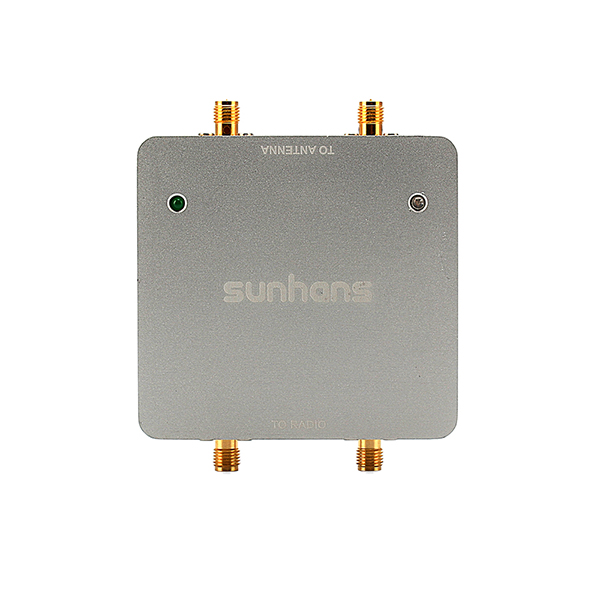
Capacity is a critical part of wireless coverage. A Multi-User Office Wi-Fi Router uses MU-MIMO technology. This stands for Multiple Input, Multiple Output.
Breaking the Data Bottleneck
Older routers talk to only one device at a time. This creates a tiny “waiting line” for data packets. While humans don’t see it, the network feels slow. MU-MIMO allows the router to talk to multiple devices simultaneously. This eliminates the queue and speeds up the entire office.
Managing High-Density Connections
Small offices are often “high-density” environments. You might have ten people in a small room. Each person has at least two connected devices. Professional hardware thrives in these crowded radio spaces. It maintains high speeds even when everyone is online.
Using Beamforming to Focus Your Signal
Traditional routers broadcast signals in a wide circle. This wastes a lot of energy on empty corners.
Advanced office routers use a technique called Beamforming. Instead of a wide circle, they focus the beam. The router identifies the exact location of your laptop. It then directs the wireless signal toward that specific point. This increases range and reduces interference from other electronics.
Better Signal for Mobile Staff
Employees often move around the office for meetings. Beamforming tracks these movements in real-time. It ensures your connection remains strong as you walk. This is vital for maintaining high-quality VoIP and video calls. You no longer need to sit next to the router.
Strategic Placement for Maximum Coverage
Hardware is only one part of the equation. Where you put your router matters immensely.
-
Mount it High: Place the router on a high shelf.
-
Central Location: Put it in the middle of the office.
-
Avoid Metal: Keep it away from filing cabinets.
-
Limit Interference: Keep it away from microwaves and cordless phones.

The Benefits of Ceiling Mounting
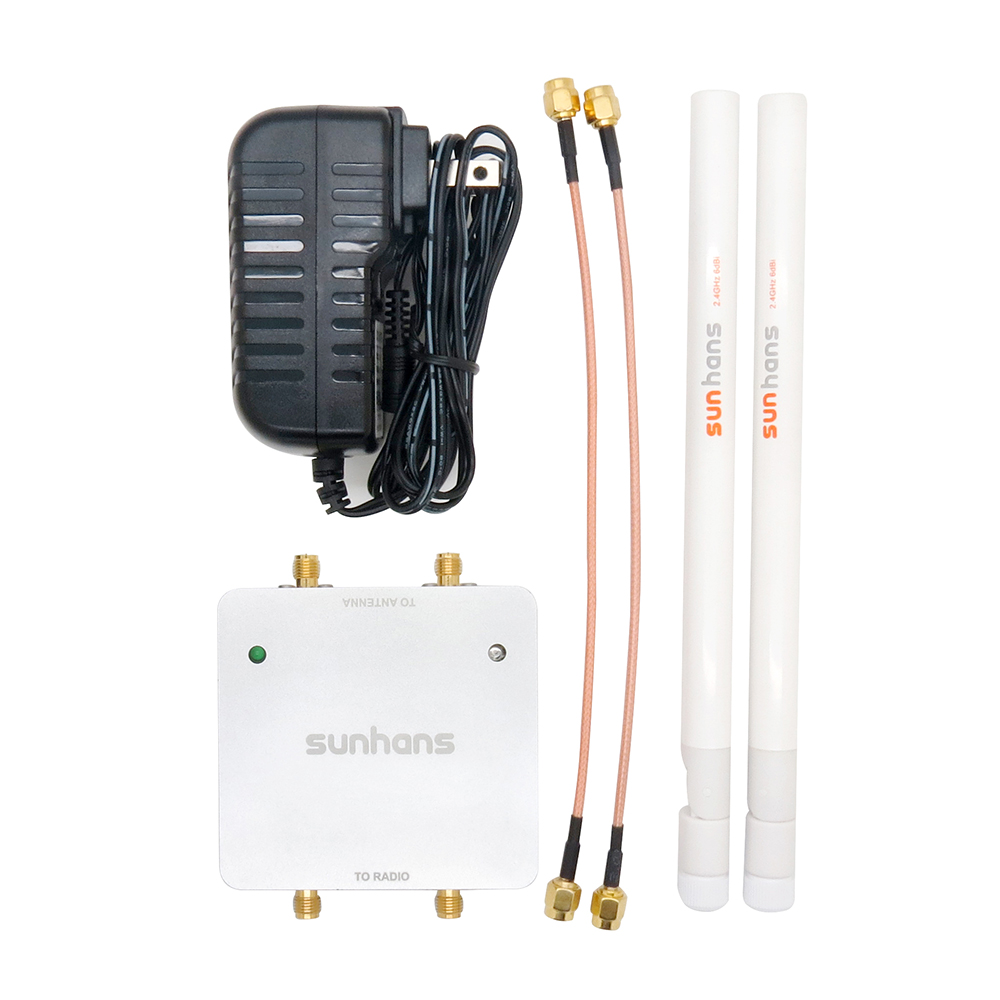
Professional routers often support ceiling mounts. This provides a clear “line of sight” to every desk. Obstacles like chairs and desks won’t block the signal. Ceiling mounting also keeps the device safe from accidental spills. It is a simple way to instantly expand your coverage.
Enhancing Security and Network Stability
Better coverage should never come at the cost of safety. Office routers offer superior security compared to home units.
A Multi-User Office Wi-Fi Router features WPA3 encryption. This is the latest standard for protecting your data. It also allows you to create a separate “Guest Network.” This keeps your private business files away from visitor devices. Segmenting your network like this prevents unauthorized access and lag.
Reducing Network Downtime
Business routers are built for 24/7 operation. They use better cooling systems and faster processors. This prevents the “random restarts” that plague cheap routers. Your team stays online and focused on their goals. Stability is just as important as raw speed for growth.
Scalability: Growing with Your Business
Your office might be small now, but it will grow. Your network hardware should be ready for that.
Modern office routers often support “Mesh” configurations. You can add more access points as you expand. These units work together under one network name. You won’t have to reconfigure your devices as you move. This makes upgrading your office space a smooth process.
Support for IoT Devices
Modern offices now include smart lights and thermostats. These “Internet of Things” (IoT) devices need constant connections. Professional routers manage these small data streams efficiently. They ensure that your smart office doesn’t slow down your work.
Managing Bandwidth for Critical Tasks
Not all internet traffic has the same value. A video conference is more important than a background update.
Office routers include Quality of Service (QoS) settings. This allows you to prioritize specific types of traffic. You can give “Top Priority” to video calls and CRM tools. Everything else gets whatever bandwidth is left over. This ensures your client meetings are always professional and clear.
Preventing Bandwidth Hogging
One staff member downloading large files can slow everyone else. A Multi-User Office Wi-Fi Router prevents this. You can set limits on individual users or devices. This keeps the internet fair and fast for the whole team. It is an essential tool for managing shared office spaces.
A Wise Move Of Small Office Networking
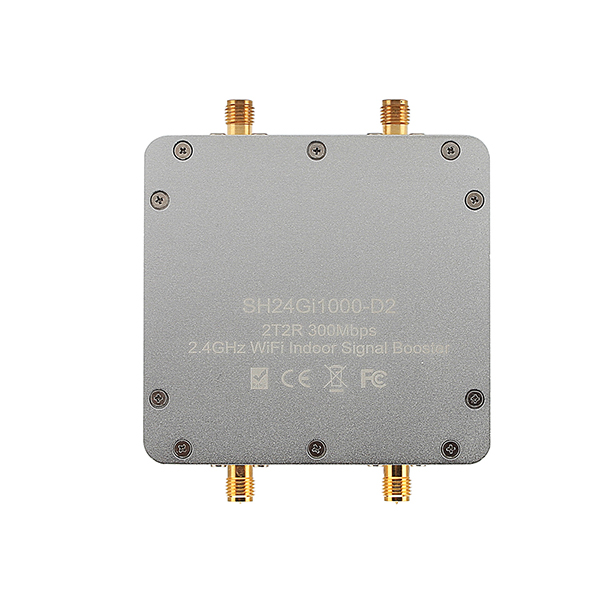
Don’t let poor Wi-Fi hold your business back. A small office still deserves professional-grade connectivity.
Investing in an office Wi-Fi Router is a smart move. It provides the capacity, speed, and security your team needs. Focus on technologies like MU-MIMO and Beamforming for best results. Proper placement will then ensure that every corner stays connected. Your productivity will certainly thank you for the upgrade.