The Bottom Line: Why Dual Band Boosters Win
You want a fast, reliable internet connection in every corner of your property. If you own a large house or a multi-story building, standard routers usually fall short. The ultimate conclusion is simple: a dual band WiFi booster provides the most cost-effective and structurally sound solution for expansive properties.
By splitting network traffic between two distinct frequencies, this specific wireless range extender eliminates dead zones without sacrificing your bandwidth. It bypasses concrete floors and thick walls seamlessly.
Ultimately, it saves you from dropping thousands of dollars on complex rewiring projects. Let us dive into the technical realities and physical challenges that make this technology essential for your home.
Understanding the Multi-Story WiFi Problem
Thick brick walls, concrete floors, and steel beams ruin wireless signals. Most standard routers sit in a corner downstairs. Therefore, the signal degrades before it reaches the upper floors.
You experience dropped Zoom calls upstairs while someone streams 4K video in the living room. This issue happens because a single router cannot broadcast far enough. Furthermore, physical obstacles absorb the radio frequencies.
The Hidden Network Bottleneck
Standard single-band extenders often cut your internet speed in half. They use the same channel to receive and retransmit data. Consequently, your network chokes under heavy usage. This bottleneck is exactly where a dual band WiFi booster changes the game entirely.

How Dual Band Technology Solves Your Coverage Issues
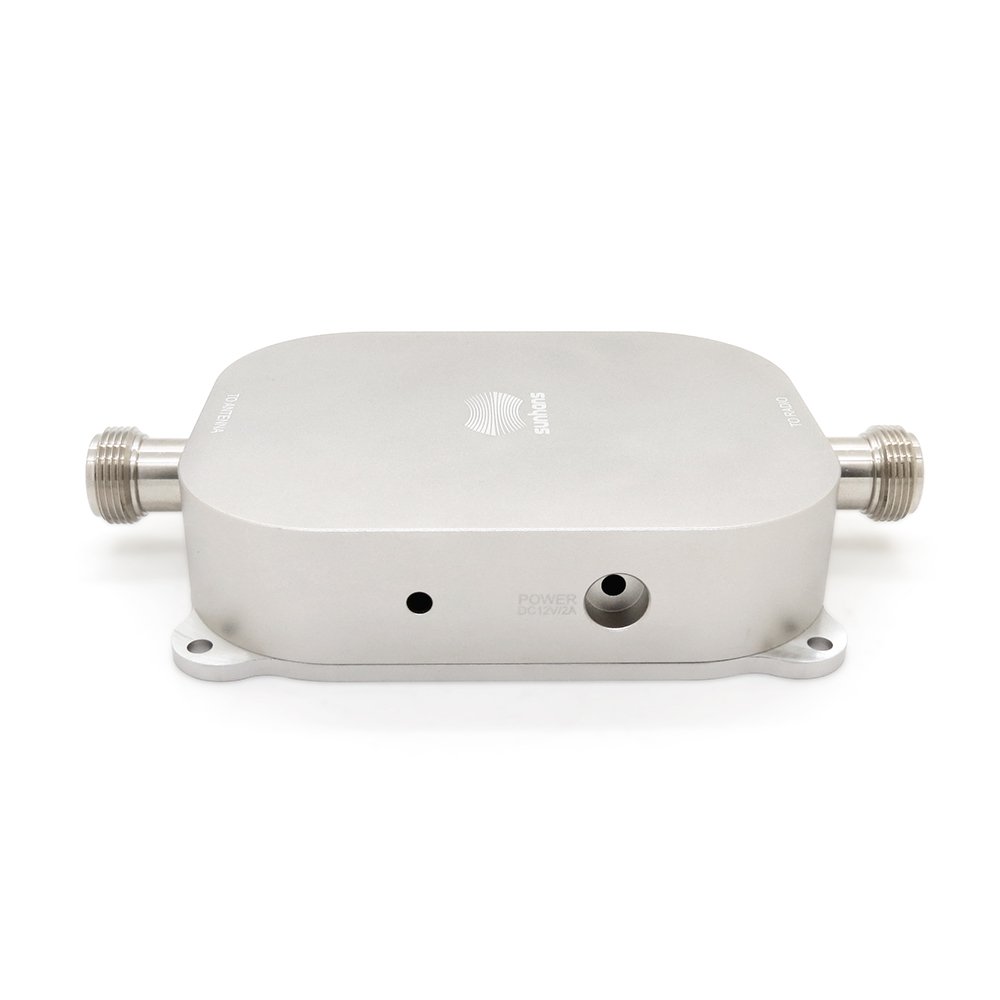
A dual band system operates on two separate frequencies: 2.4 GHz and 5 GHz. Think of these frequencies as a two-lane highway system. Each lane serves a distinct purpose for your home network expansion.
-
The 2.4 GHz Lane: This band travels farther and penetrates solid walls easily. However, it offers slower top speeds.
-
The 5 GHz Lane: This band delivers blazing-fast speeds for gaming and streaming. Unfortunately, it struggles with physical barriers.
A quality booster uses both bands simultaneously. It creates a balanced, high-speed ecosystem across multiple floors. The device dynamically routes traffic based on your location. As a result, you get a seamless transition when walking upstairs.
Key Benefits for Large Properties and Multi-Story Layouts
Investing in the best WiFi booster for large house setups offers immediate, noticeable performance upgrades. Based on years of network troubleshooting experience, we see three primary benefits stand out.
1. Smart Traffic Segregation
Your smart bricks, thermostats, and security cameras do not need massive bandwidth. You can park them on the slower 2.4 GHz channel. Meanwhile, save the high-speed 5 GHz channel for your work laptop, gaming console, and streaming box. This smart split keeps your main workspace completely lag-free.
2. Cross-Band Repeating Power
Advanced boosters utilize a feature called cross-band repeating. The booster talks to your main router on one band. Simultaneously, it transmits data to your devices on the other band. This process prevents the classic 50% speed drop common in older hardware.
3. Targeted Signal Direction
Many modern dual-band devices feature beamforming technology. Instead of broadcasting a generic bubble of internet, they locate your phone or laptop. Then, they focus a targeted beam of data directly to your device. This feature helps immensely to fix multi story WiFi dead zones.

Choosing the Right Spot for Your Booster
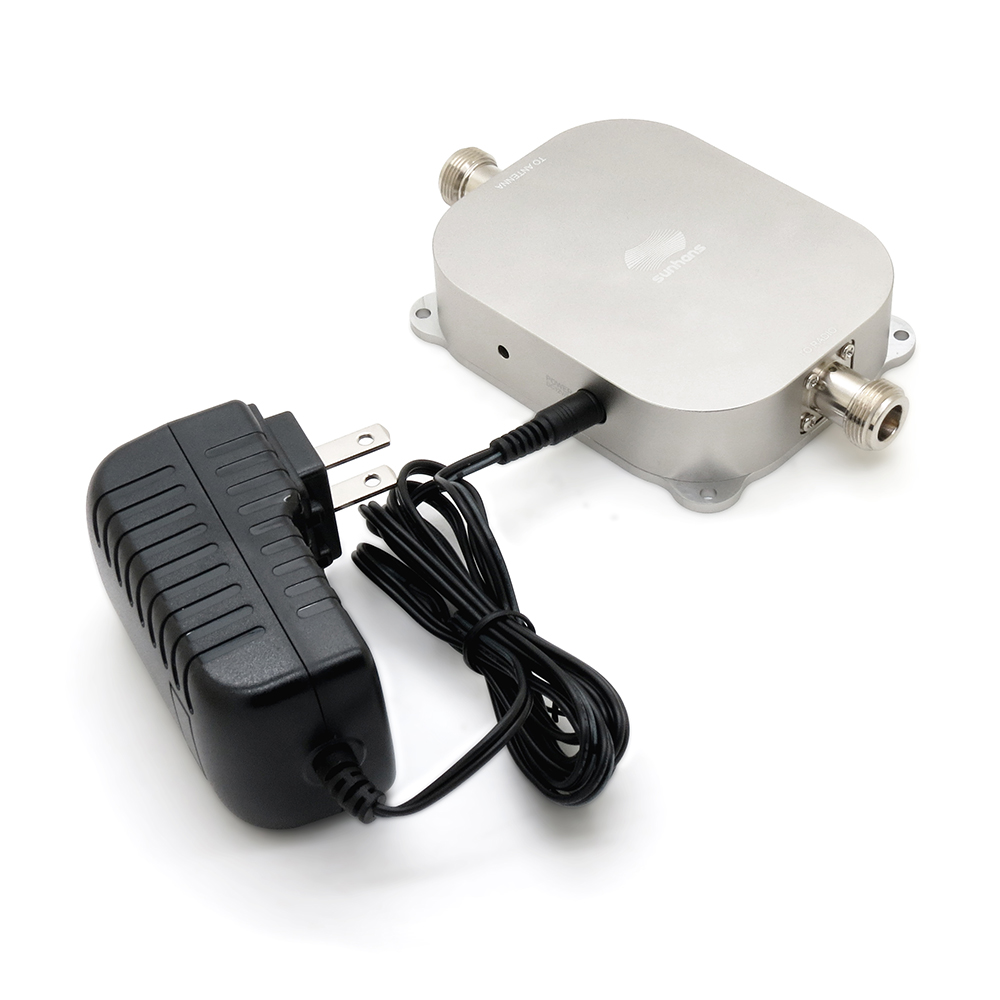
Placement determines your success. Many homeowners make the mistake of placing the booster directly inside the dead zone. If the booster receives a poor signal, it will only rebroadcast that poor signal.
-
Find the Sweet Spot: Place the device halfway between your router and the dead zone.
-
Elevate the Hardware: Keep the booster off the floor. Pass signals through air, not furniture.
-
Avoid Interference: Keep the unit away from microwaves, brick chimneys, and large mirrors.
Checking the signal LED lights on your device helps verify a strong connection to the main hub.
Dual Band Boosters vs. Mesh Systems: Which Fits You?
You might wonder if a full mesh network suits you better. Mesh networks are excellent but they cost significantly more. A premium dual band WiFi booster bridges the gap perfectly for budget-conscious homeowners.
If your main router is already powerful, you do not need to replace it. You simply need to extend its reach. Adding a targeted booster offers a quick, affordable fix. It handles multi-story layouts beautifully without requiring a total network overhaul.
Real-World Scenarios Where Dual Band Saves the Day
Let us look at a typical three-story suburban household. The main fiber router sits in the ground-floor living room.
-
The Problem: The third-floor home office gets terrible coverage. Zoom calls freeze constantly.
-
The Wrong Fix: Buying a standard single-band extender makes the speed too slow for video calls.
-
The Right Fix: Installing a dual-band unit on the second floor solves the issue.
The second-floor booster catches the clean 5 GHz signal from downstairs. Then, it blasts a strong 2.4 GHz signal up through the ceiling to the third floor. Work productivity returns to normal instantly.

Final Verdict and Next Steps
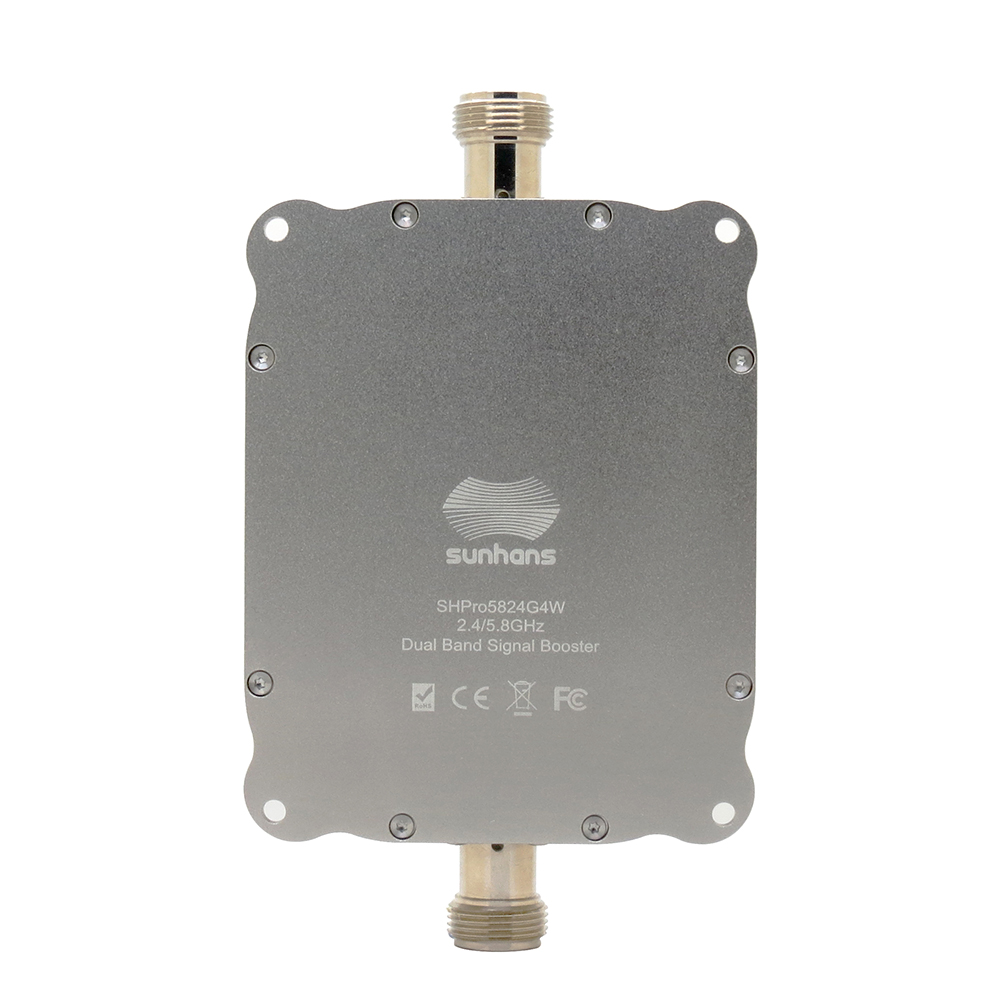
To wrap up, large homes demand smart network management. Relying on a single access point causes daily frustration. A dual band WiFi booster provides the range, speed, and flexibility required to conquer architectural obstacles. It keeps your family connected seamlessly.
Are you ready to optimize your home setup? If you need more coverage, explore our curated list of the top-rated wireless extenders for this year. Stop tolerating dropped connections and upgrade your home network today.