The Bottom Line: Total Coverage and Blazing Speed
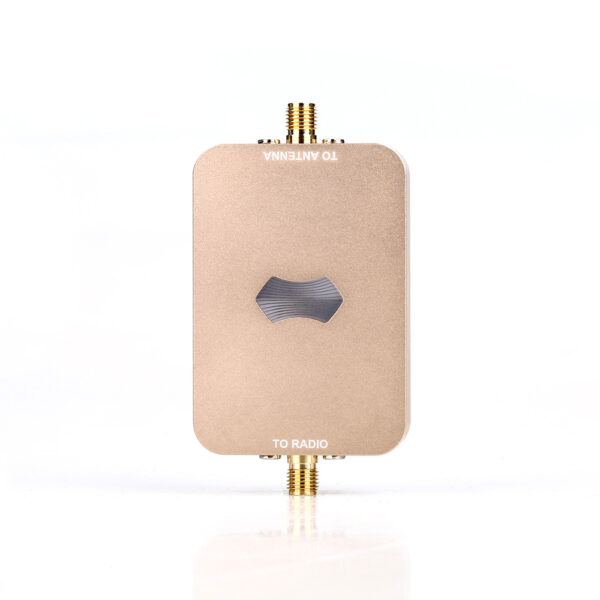
Executive Summary: Modern wireless networks struggle with dead zones and wall interference. Installing a dual band 2.4G 5.8G booster solves both problems simultaneously. It expands your signal range while maintaining maximum data speeds.
Single-band extenders force you to choose between distance and speed. However, dual-band technology eliminates this compromise completely. As a result, your connected devices run smoothly everywhere. Read on to learn how this technology upgrades your wireless infrastructure.
The 2026 Wireless Shift: Spectrum Congestion and High Device Density
The global demand for reliable wireless connectivity reaches unprecedented levels in 2026. Smart homes now average over forty connected IoT devices. Meanwhile, outdoor security cameras require constant long-range 2.4 GHz video streams. Simultaneously, 4K streaming and high-bandwidth FPV drones demand clear 5.8 GHz channels.
Recent industry reports highlight severe spectrum congestion in urban areas. Standard routers simply cannot push signals through thick concrete walls. Furthermore, neighboring Wi-Fi networks create heavy radio frequency interference.
To overcome these barriers, network engineers deploy advanced amplification technology. A high-performance wireless signal amplifier isolates clean channels dynamically. Consequently, it delivers stable connectivity across congested environments.

Understanding Dual-Band Architecture: 2.4 GHz vs. 5.8 GHz
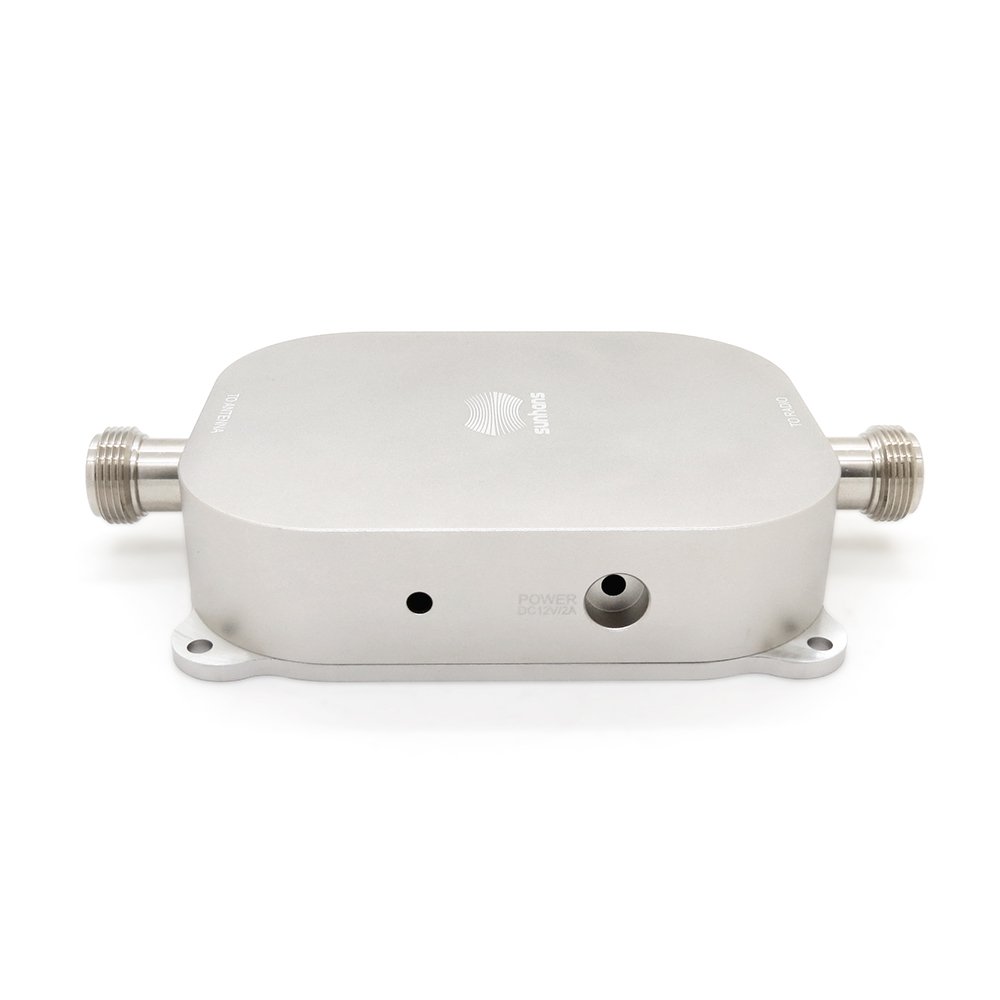
Why do you need two separate frequency bands? Each frequency serves a unique operational purpose.
The 2.4 GHz Advantage: Range and Obstacle Penetration
The 2.4 GHz frequency uses longer radio waves. Therefore, it travels easily through solid brick walls and dense furniture. However, it offers lower peak data speeds. A dual band wifi booster for home amplifies this band for long-range smart home sensors.
The 5.8 GHz Powerhouse: Maximum Speed and Low Latency
Conversely, the 5.8 GHz frequency delivers massive data throughput. It supports lag-free online gaming and uncompressed video streaming.
Unfortunately, shorter 5.8 GHz waves struggle against physical barriers. A dedicated dual band 2.4G 5.8G booster amplifies these short waves, keeping your high-speed connection strong.
Case Study: Eliminating Dead Zones in a Two-Story Facility
Consider a recent deployment at a commercial design studio in Chicago. The team occupied a 4,500-square-foot brick building. Their primary router sat in the front office. Unfortunately, the back workshop suffered from severe signal drops. Staff could not upload large rendering files.
To fix this issue, technicians researched how to improve wireless signal coverage effectively. They installed a high-power dual band 2.4G 5.8G booster midway between rooms. Instantly, workshop download speeds jumped from 12 Mbps to over 450 Mbps. The 2.4 GHz band powered outdoor security monitors.
Meanwhile, the 5.8 GHz band handled heavy wireless file transfers. This practical setup eliminated dead zones completely without requiring expensive rewiring.
Key Advantages of a Dual Band 2.4G 5.8G Booster
Installing dual-band amplification hardware offers immediate operational rewards for any facility.
-
Simultaneous Multi-Device Handling: Connect dozens of smart devices without dropping network speed.
-
Automatic Band Steering: Smart devices switch to the strongest available frequency automatically.
-
Complete Elimination of Dead Spots: Reach far corners, basements, and outdoor patios easily.
-
Reduced Latency and Lag: Stream 4K video seamlessly across multiple screens at once.
-
Simple Setup: Modern boosters configure within minutes via user-friendly mobile applications.

How to Deploy Your Booster for Maximum Performance
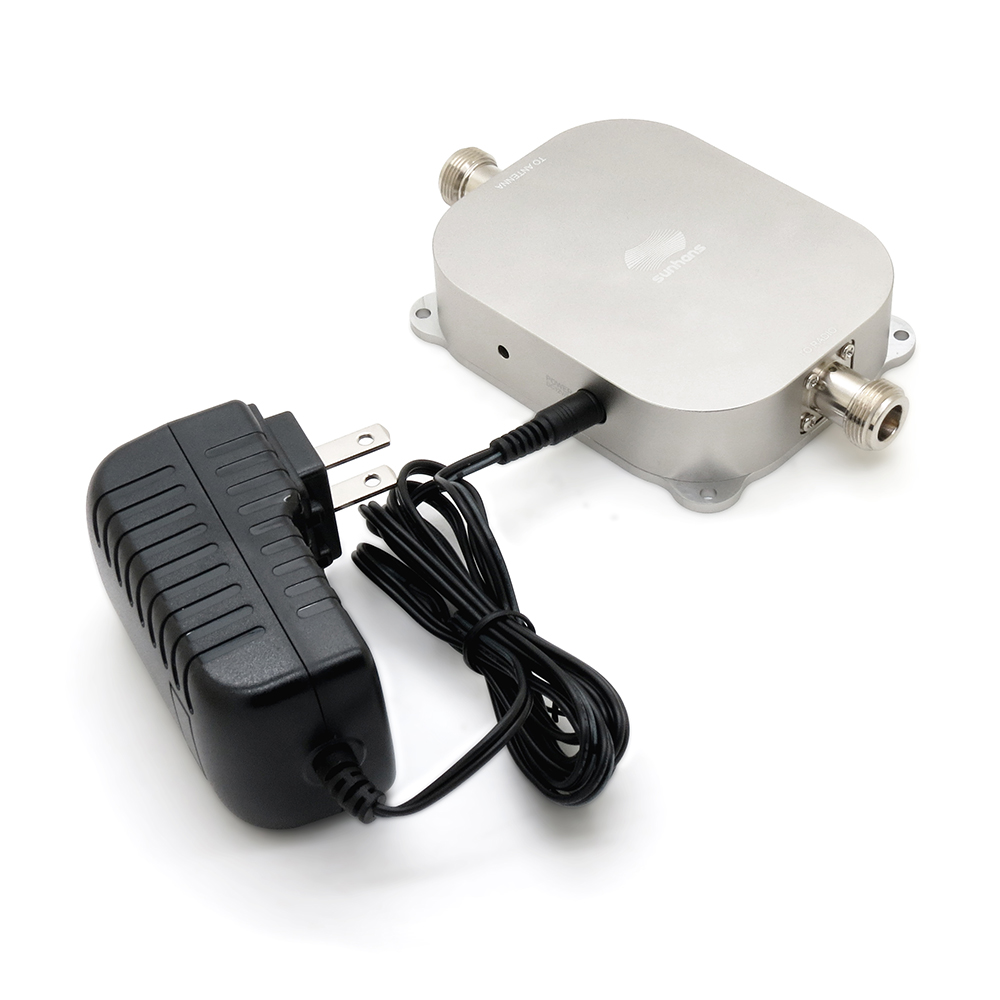
If you want a successful dual band range extender setup, positioning is critical. Follow this simple deployment sequence.
Sourcing Checklist: What Features Matter Most?
Before purchasing your signal booster, evaluate these vital technical specifications.
-
Low-Noise Amplification (LNA): Look for advanced LNAs that boost signals without adding static noise.
-
High Output Power: Ensure the device provides sufficient wattage for your target coverage area.
-
Heavy-Duty Cooling Heatsinks: Aluminum cooling fins prevent thermal throttling during continuous heavy use.
-
Gigabit Ethernet Ports: Wired ports allow high-speed passthrough for gaming consoles and desktop PCs.

Summary
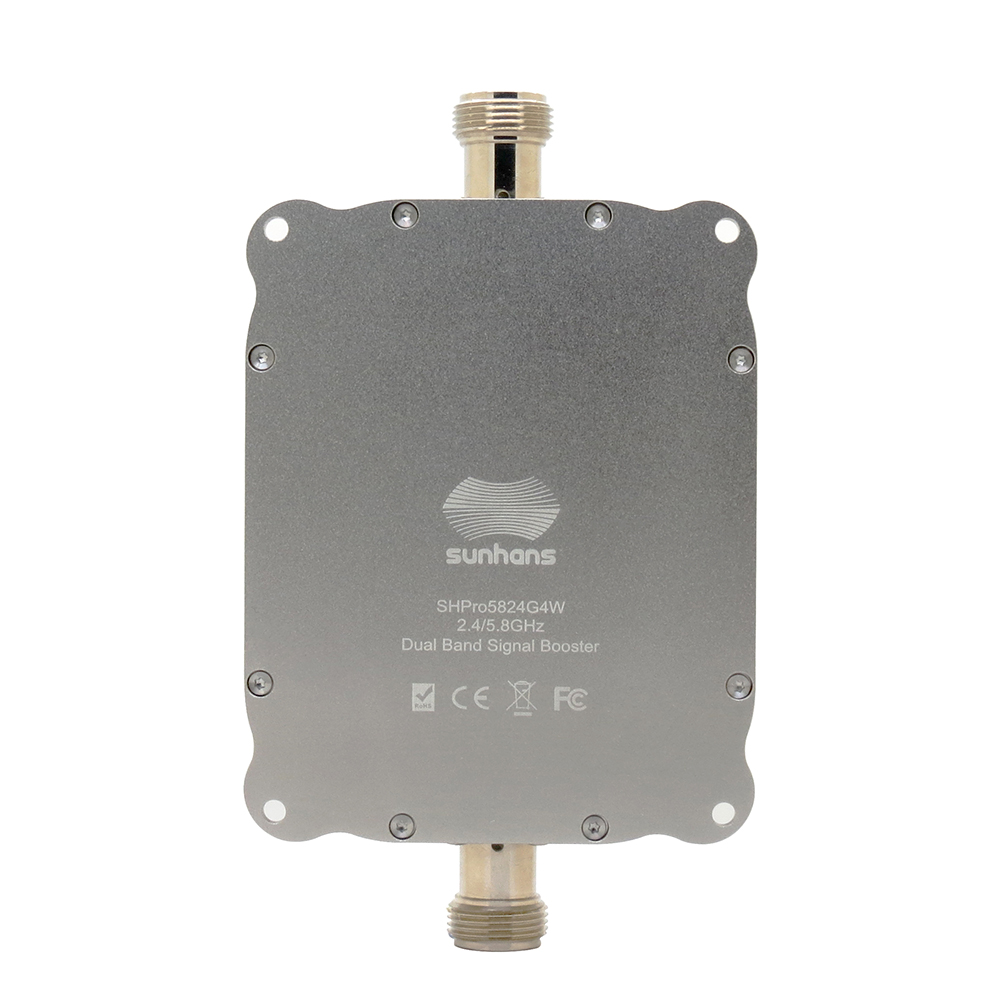
Weak wireless signals waste time and degrade productivity. Single-band repeaters simply cannot handle modern bandwidth demands.
By investing in a dual band 2.4G 5.8G booster, you solve coverage and speed issues simultaneously. You gain long-range penetration for IoT devices alongside high-speed bandwidth for streaming. Upgrade your wireless infrastructure today to enjoy seamless, high-speed coverage everywhere.