Frustrating dropped calls plague modern offices. Weak internet signals disrupt essential daily business operations. Often, poor hardware is not the primary culprit. The real issue stems from bad equipment placement.
A dual-band indoor WiFi access point offers great network potential. However, you must install it in the right spot. Strategic positioning maximizes your device performance. Consequently, this method eliminates annoying dead zones entirely.
This comprehensive guide reveals expert placement tactics. We use proven wireless engineering principles. Follow these steps to transform your indoor wireless experience.

Map Your Spatial Layout and Traffic
You must analyze your building layout first. Walk through your workspace completely. Note where your employees gather most frequently.
High-density zones require the strongest signal strength. Therefore, place your wireless access point placement near conference rooms. Avoid hidden corners for your main hardware. Central locations allow waves to travel equally in all directions.
Furthermore, you should count your active client devices. Laptops, smartphones, and tablets consume significant bandwidth. Plan your coverage around these high-traffic areas.
Mount High and Clear Obstacles
Physical obstacles block wireless signals constantly. Heavy concrete walls absorb radio frequencies quickly. Metal doors reflect waves, creating immediate coverage dead zones.
For the absolute best results, choose ceiling mounting. You can check our detailed indoor WiFi coverage for specific mounting brackets. Ceiling placement creates an unobstructed umbrella pattern. The signal radiates downward beautifully throughout the room.
If ceiling mounting fails, use high wall positions. Keep the device at least seven feet high. Never hide your access point inside dense wooden cabinets. Do not place it behind large electronic displays. Open spaces keep your network healthy.
| Building Material | Signal Retention Rate | Impact on WiFi |
| Open Air | 100% | No Loss |
| Drywall | 60% | Low Impact |
| Solid Wood | 30% | Medium Obstruction |
| Concrete | 10% | Severe Blockage |

Separate the 2.4 GHz and 5 GHz Bands
Dual-band technology utilizes two distinct frequencies. Each band behaves differently inside buildings. Understanding these unique traits helps you fix network dead zones effectively.
The 2.4 GHz frequency travels long distances easily. It penetrates solid interior walls quite well. However, this band delivers slower data speeds. Many household appliances create heavy interference here.
In contrast, the 5 GHz band offers blazing fast speeds. It handles data-heavy tasks without lag. Unfortunately, 5 GHz signals struggle with physical barriers.
Therefore, you must position the unit closer to heavy users. This strategy keeps the high-speed connection stable.
Expert Engineering Tip: Keep your access points away from microwave ovens. Also avoid Bluetooth speakers and thick power cables. These devices disrupt the sensitive 2.4 GHz frequency.
Conduct a Professional Wireless Site Survey
Do not guess your hardware placement. Use smart software tools to measure real-world performance. A wireless site survey reveals hidden signal gaps. Walk around with a mobile analyzer application. Look for an RSSI value of -65 dBm or better. This level supports smooth video conferencing.
If you manage a multi-floor facility, stagger your devices. Do not stack units directly above each other. Instead, use a zigzag pattern across different levels. This layout reduces co-channel interference significantly.

Achieve Seamless Connectivity Today
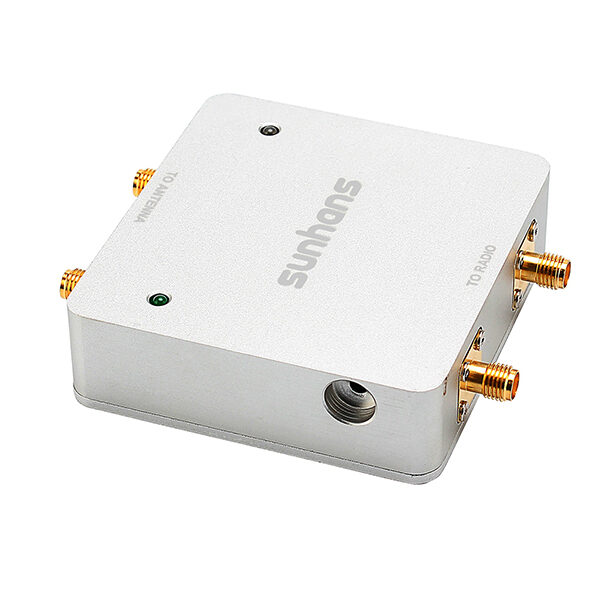
Smart network design solves most coverage issues. Proper positioning unlocks the true power of your dual-band indoor WiFi infrastructure. First, locate the center of your user traffic. Next, mount the hardware high on the ceiling. Finally, avoid dense metal and concrete obstructions. These simple actions eliminate dead zones forever.
Are you ready to upgrade your business network infrastructure? Explore our latest high-performance wireless access point placement solutions to optimize your workplace. Take control of your wireless environment right now.