Staying connected while traveling is a modern necessity. However, remote areas often challenge your mobile internet. You might find yourself in a “dead zone.” Your 4G LTE Portable Hotspot suddenly struggles to load pages.
Frustration builds as the signal bars disappear. But don’t give up on your connection yet. You can significantly improve your speeds with simple tweaks. This guide shares professional secrets for signal optimization. We will help you stay online anywhere.
Understanding Signal Barriers in Remote Areas
Physical obstacles often block cellular waves. Mountains, thick trees, and even rain interfere. Furthermore, building materials like metal reflect signals.
Your 4G LTE Portable Hotspot needs a clear path. Distance from the cell tower also plays a role. In low-coverage zones, every decibel of gain matters. You must minimize the interference around your device. Consequently, your speeds will become much more stable.
The Science of Frequency Bands
LTE networks use various frequency bands. Lower frequencies travel further through obstacles. Higher frequencies offer faster speeds but shorter range. Most hotspots automatically switch between these bands. Understanding this help you position your device better.

Strategic Placement for Maximum Gain
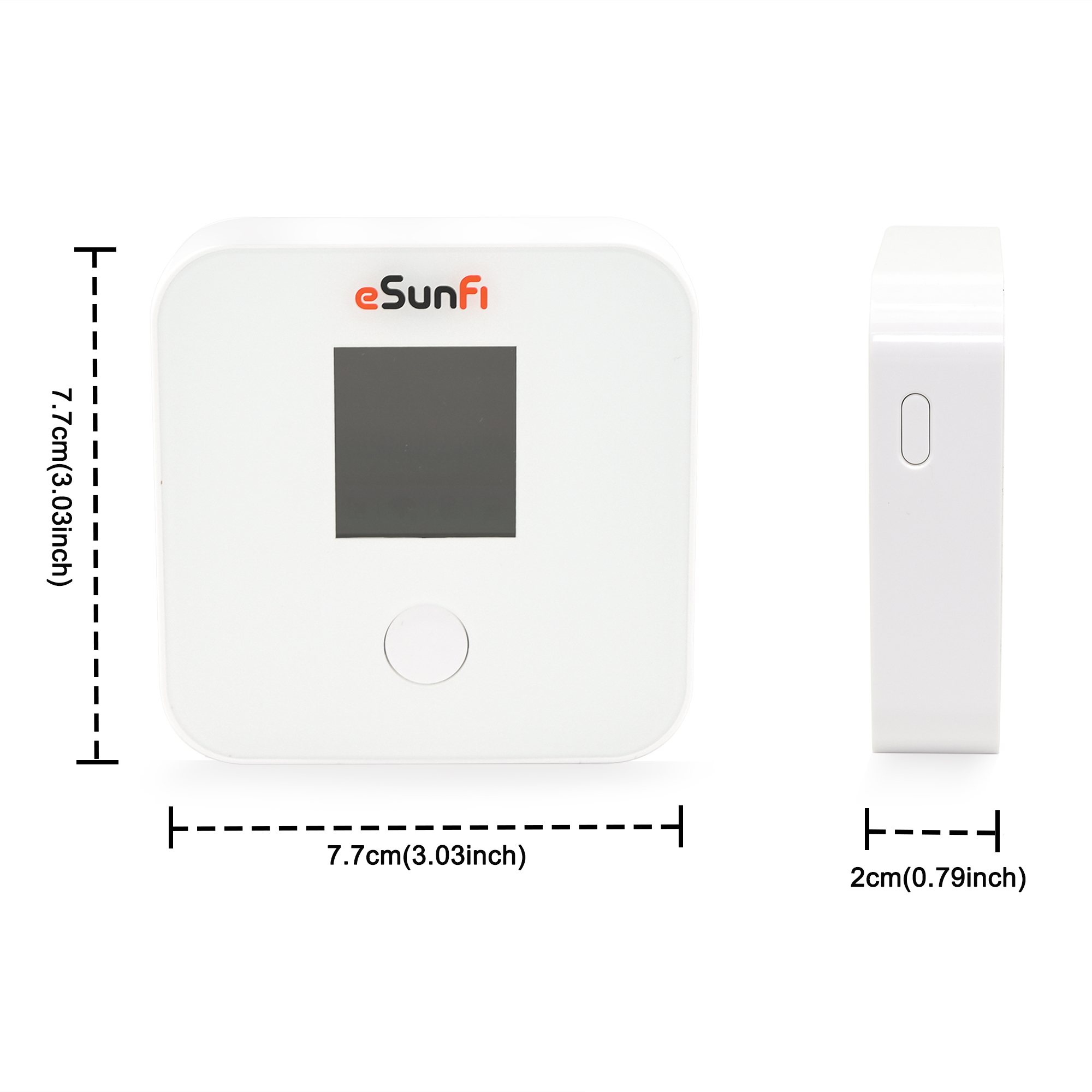
The easiest fix costs absolutely nothing. Location is the most critical factor for signal. Most people keep their hotspot in a bag. This is a mistake in weak zones.
Find the Highest Point
Radio waves travel better at higher elevations. Place your device on a top shelf. If you are outdoors, find a hill. Even an extra few feet make a difference. This reduces the number of ground-level obstacles. You will notice an immediate jump in bars.
Clear the Path to Windows
Walls act like signal dampeners. Thick concrete or brick blocks 4G waves effectively. Always place your 4G LTE Portable Hotspot near a window. Ideally, choose a window facing the nearest tower. This simple move often doubles your download speed.
Upgrading Your Hardware with External Antennas
Sometimes, internal antennas are just not enough. Many pro-grade hotspots include external antenna ports. These ports allow for a massive signal boost.
Using TS-9 or SMA Antennas
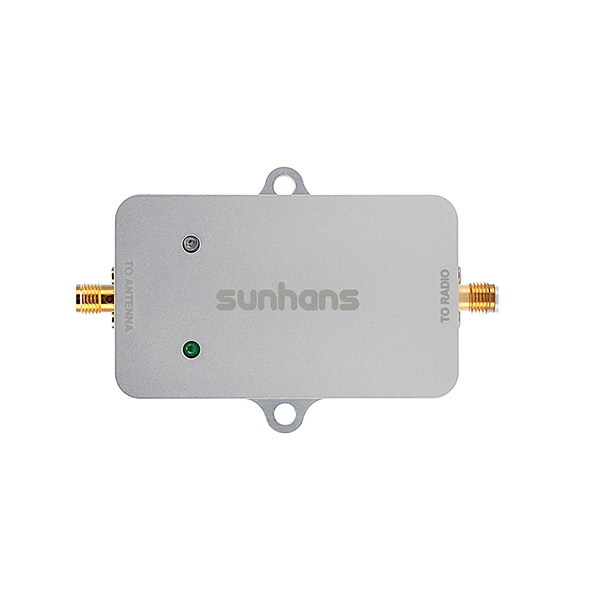
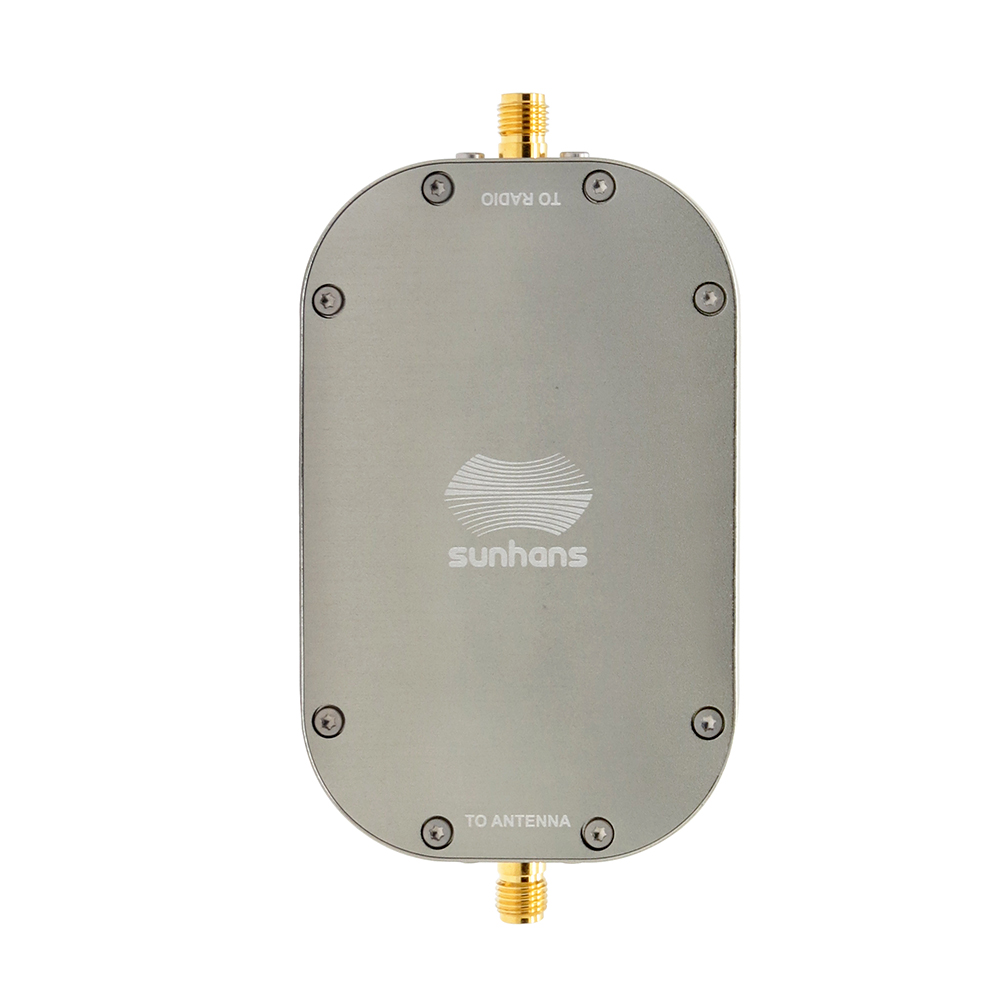
Check if your hotspot has small circular ports. These are usually TS-9 or SMA connectors. You can attach a “paddle” antenna directly. For even better results, use a window-mounted antenna. These capture signals from outside and bring them in. This bypasses the insulation of your vehicle or home.
The Power of MIMO Technology
MIMO stands for Multiple Input, Multiple Output. It uses two antennas to send and receive data. This technology helps stabilize the connection in rural areas. If your device supports it, always use two antennas. This creates a much more reliable data stream.
Optimizing Device Settings for Stability
Your software settings affect your connection quality. A few clicks can improve your overall experience.
-
Select 4G Only Mode: Prevent your device from “hunting” for 3G.
-
Update Firmware: Manufacturers often release signal-improvement patches.
-
Change WiFi Channel: Reduce interference from other nearby electronics.
-
Limit Connected Devices: More users mean less bandwidth for you.
Choosing the Right Network Band
Some hotspots allow manual band selection. In deep rural areas, try forcing Band 12 or 14. These bands are designed for long-distance coverage. They might be slower but they are more stable. This prevents the frequent disconnections that ruin your workflow.

Reducing Interference from Electronics
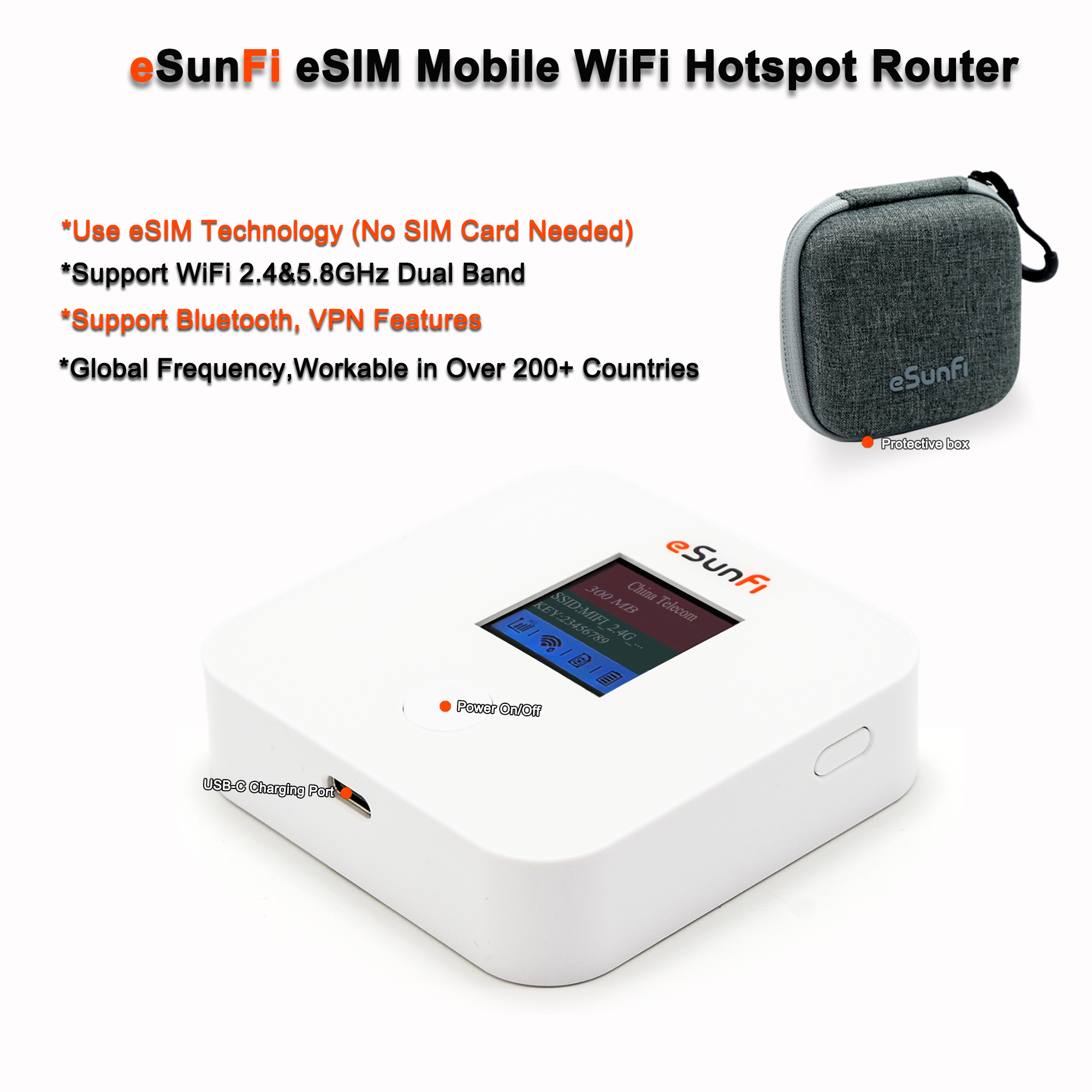
Electronic noise is a silent signal killer. Other devices emit radio waves that clash. This “noise” lowers your signal-to-noise ratio (SNR).
Keep your 4G LTE Portable Hotspot away from microwaves. Also, avoid placing it near large speakers. Even cordless phones can cause signal jitter. Create a “clean zone” for your hotspot. This ensures the 4G waves reach the device clearly. You will see fewer packet drops during video calls.
Using a Signal Booster (Repeater)
A cellular repeater is a powerful tool. It captures a weak outside signal and amplifies it. This creates a “bubble” of strong 4G coverage.
Vehicle-Based Boosters
Are you working from a van or RV? A vehicle booster is a perfect investment. It uses an antenna on the roof. The internal unit then broadcasts the signal inside. This is the gold standard for digital nomads. It keeps your 4G LTE Portable Hotspot running perfectly.
Home and Office Solutions
Static boosters work similarly for remote cabins. They require a bit more installation effort. However, they provide the most dramatic results. You can turn one bar into five bars easily. This transforms a remote shed into a high-speed office.
Practical Maintenance for Better Performance
We often forget the physical health of our tech. A dusty or hot hotspot performs poorly.
Keep the Device Cool
LTE chips generate heat during heavy use. In weak zones, the device works harder. Excessive heat causes the processor to “throttle.” This leads to slower speeds and dropped connections. Ensure your device has plenty of airflow. Never leave it in direct sunlight on a dashboard.
Check Your SIM Card
An old or damaged SIM card causes issues. If you see “No Service” often, check the chip. Dust on the contacts can break the connection. Clean it gently with a dry microfiber cloth. Sometimes, a fresh SIM from your carrier fixes everything.
Managing Data Usage in Low-Coverage Zones
In weak areas, every bit of data is precious. You must manage how your devices use it.
Turn off automatic cloud backups on your laptop. Disable high-definition video streaming on your phone. These background tasks hog your limited bandwidth. Focus your signal on the task at hand. This makes a weak connection feel much faster. You maintain control over your digital experience.

Final Thoughts on Signal Optimization
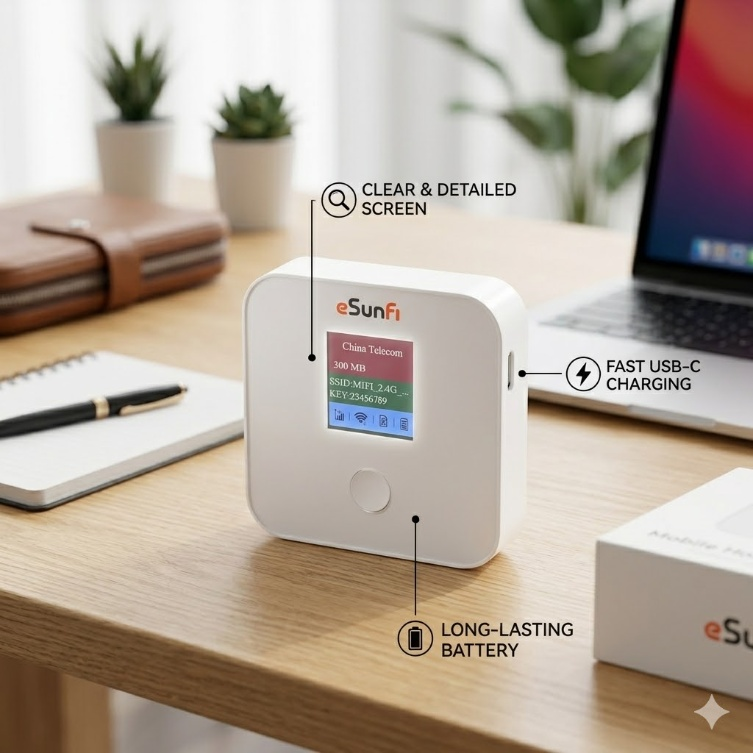
Boosting your signal is a mix of science and habit. Start with better placement and window proximity. If that fails, invest in quality external antennas.
Your 4G LTE Portable Hotspot is a powerful tool. But it needs the right environment to shine. By following these steps, you beat the dead zones. Stay productive and connected no matter where you go. High-speed internet is possible, even in the deep woods —Visit our product to discover the best hotspots.